Creating a New Surcharge Rule
1
Creating a New Surcharge Rule
To create a new surcharge rule, navigate to Surcharge PRO > Add New. Enter the rule details, select various conditions, and configure the surcharge type and priority before saving.
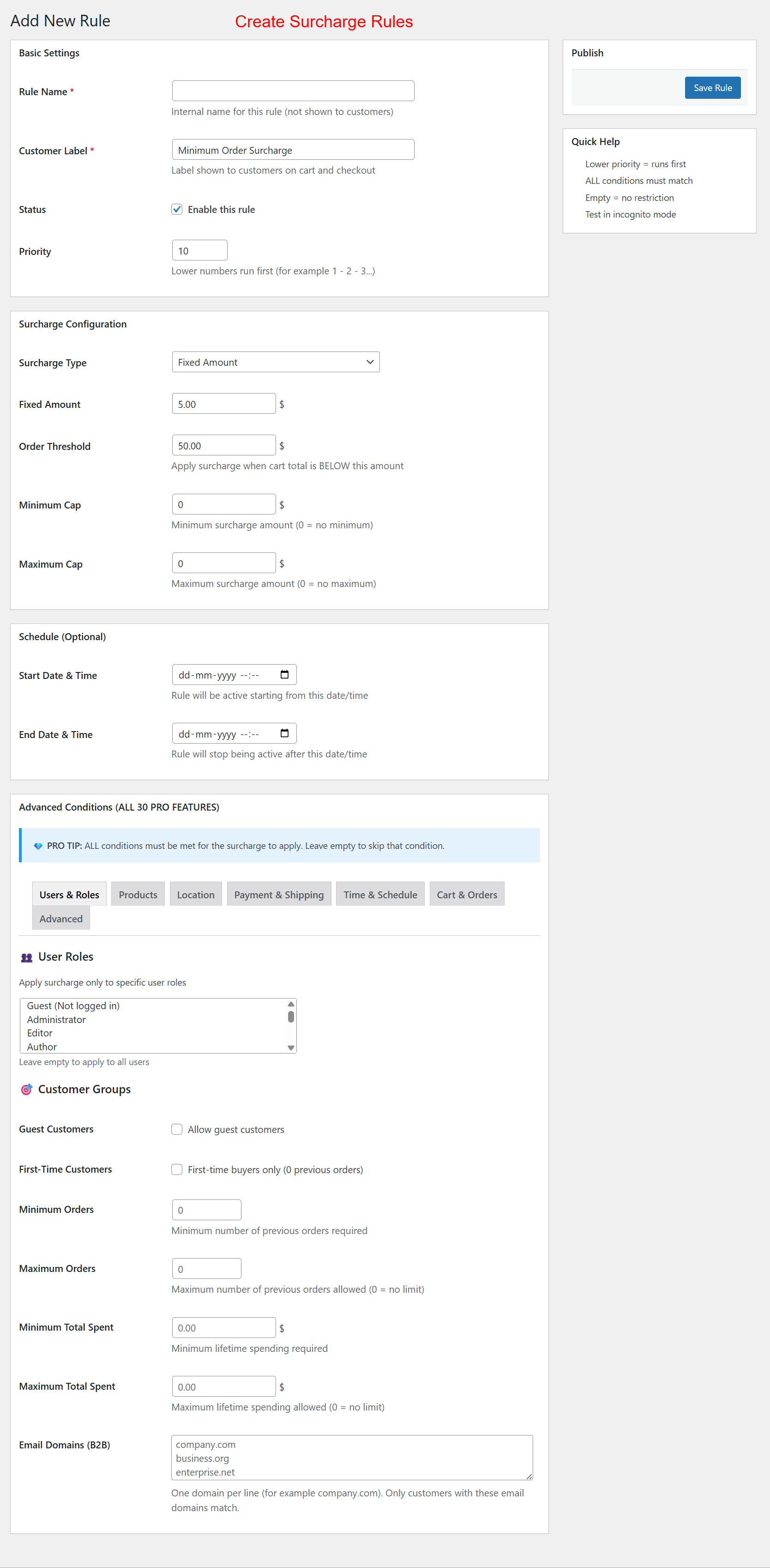
Create specific surcharge rules by defining conditions such as order threshold, surcharge type, and customer applicability. These rules allow for precise surcharge strategies tailored to business needs, ensuring compliance with sales goals and promotional campaigns. Set priorities and detailed conditions for refined surcharge management.