Setting Up Display Settings
6
Setting Up Display Settings
Adjust where and how surcharge details appear using Display Settings. Customize CSS and decide visibility locations to maintain consistency and customer experience.
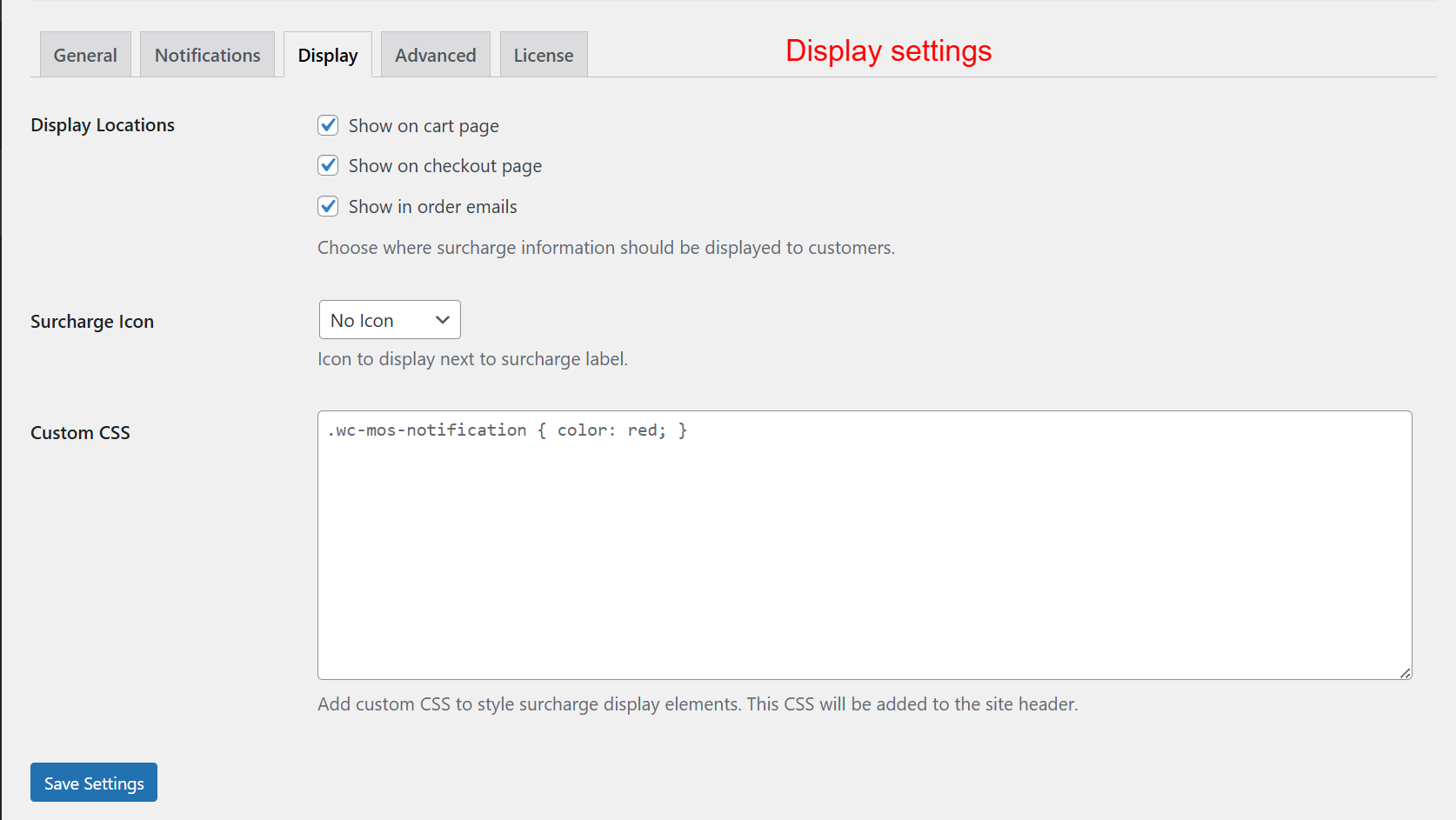
Adjust display parameters to dictate where surcharge information appears to customers—on the cart page, checkout, or through emails. Set custom CSS for styling purposes. These settings are vital for creating a seamless customer experience by ensuring surcharge information is accessible and visually consistent.