Request for Quote System
Seamlessly manage price inquiries with the built-in RFQ system.
- Inquiry form on product pages
- Admin dashboard for inquiries
- Status tracking for quotes
- Admin notes for internal use
- Email notifications
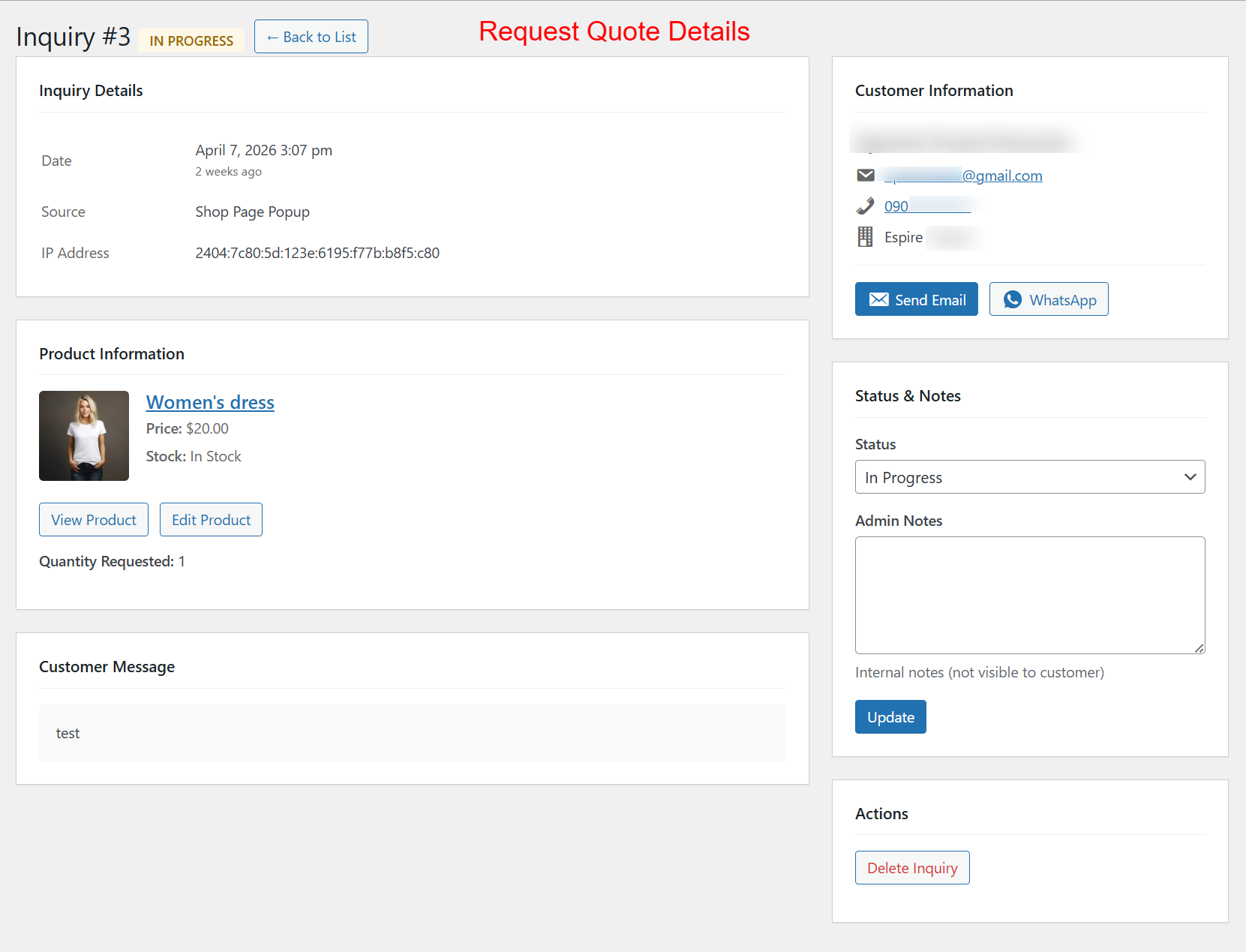
Admins use this detailed view to process individual price inquiries. It allows them to review request details, update status, and directly communicate with the customer via email or WhatsApp. The ability to update and manage this information centrally assists in fostering customer relationships and ensuring proposals are handled efficiently.
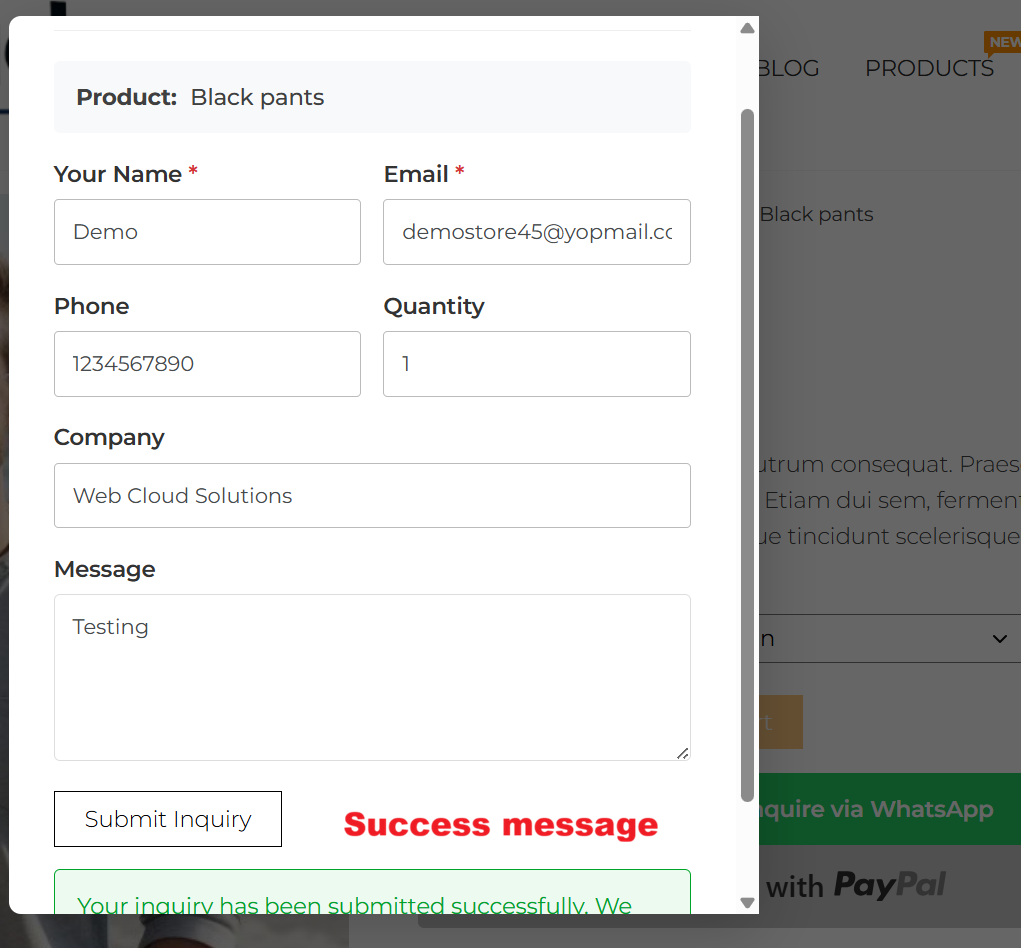
After submitting a quote request, users are greeted with a success message, reassuring them that their inquiry has been received. This confirmation step is important for user experience, closing the feedback loop and ensuring customers stay informed.