PDF Template Management
Manage and customize PDF documents with ease using built-in templates.
- 9 professional built-in templates
- AI-powered design with OpenAI support
- Custom background image and opacity control
- Drag-and-drop visual editor
- 50+ variable blocks for content customization
- Document-type specific templates and layouts
- Multi-column and row layout options
- Custom font uploads and styling
- PDF preview with real order data
- Double-sided printing support
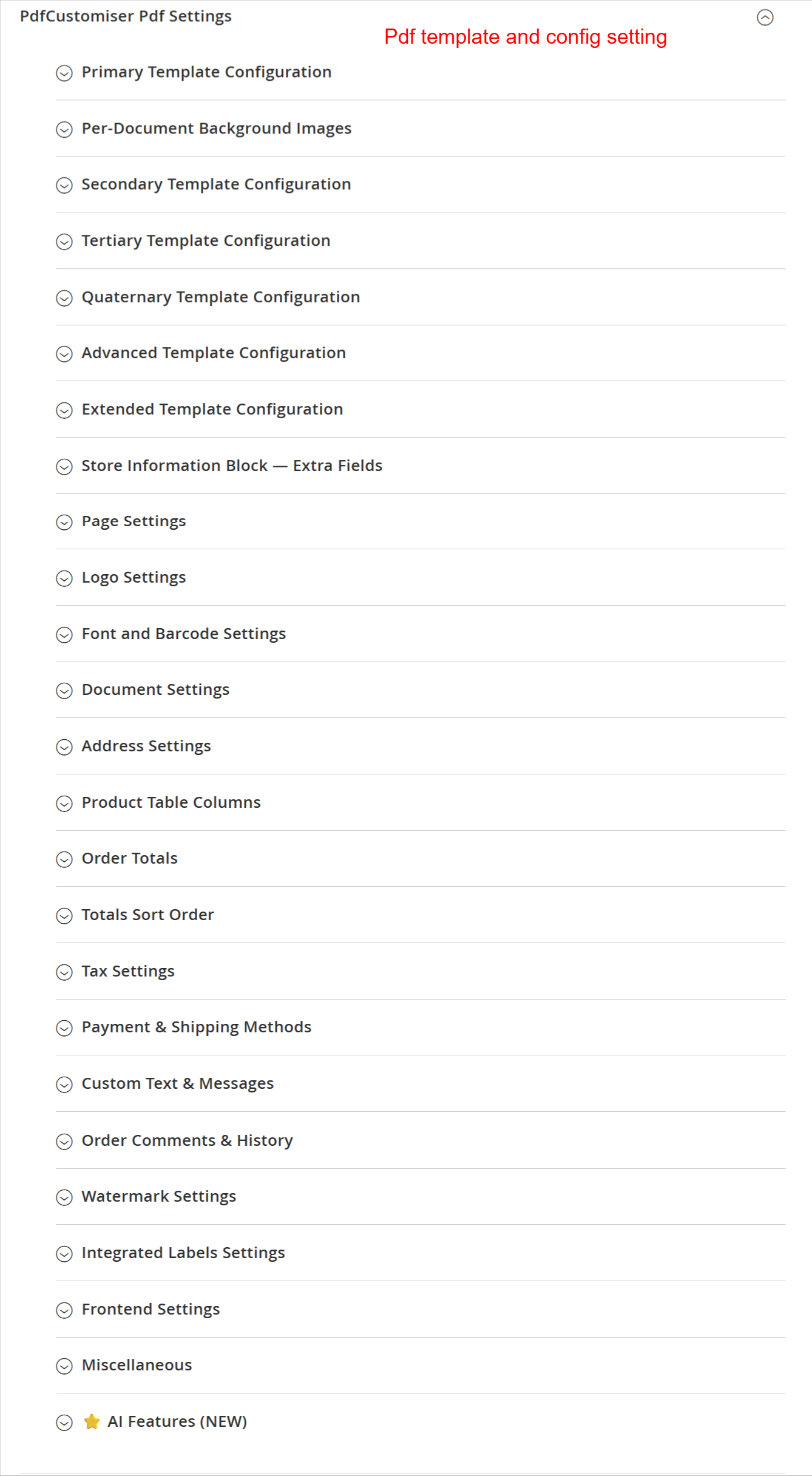
This overview provides a structured list of all configurable settings in the PDF Customiser module. Users can adjust primary, secondary, and advanced template settings, set up document backgrounds, and manage store information. This organization facilitates easy navigation through the extensive customization options available.
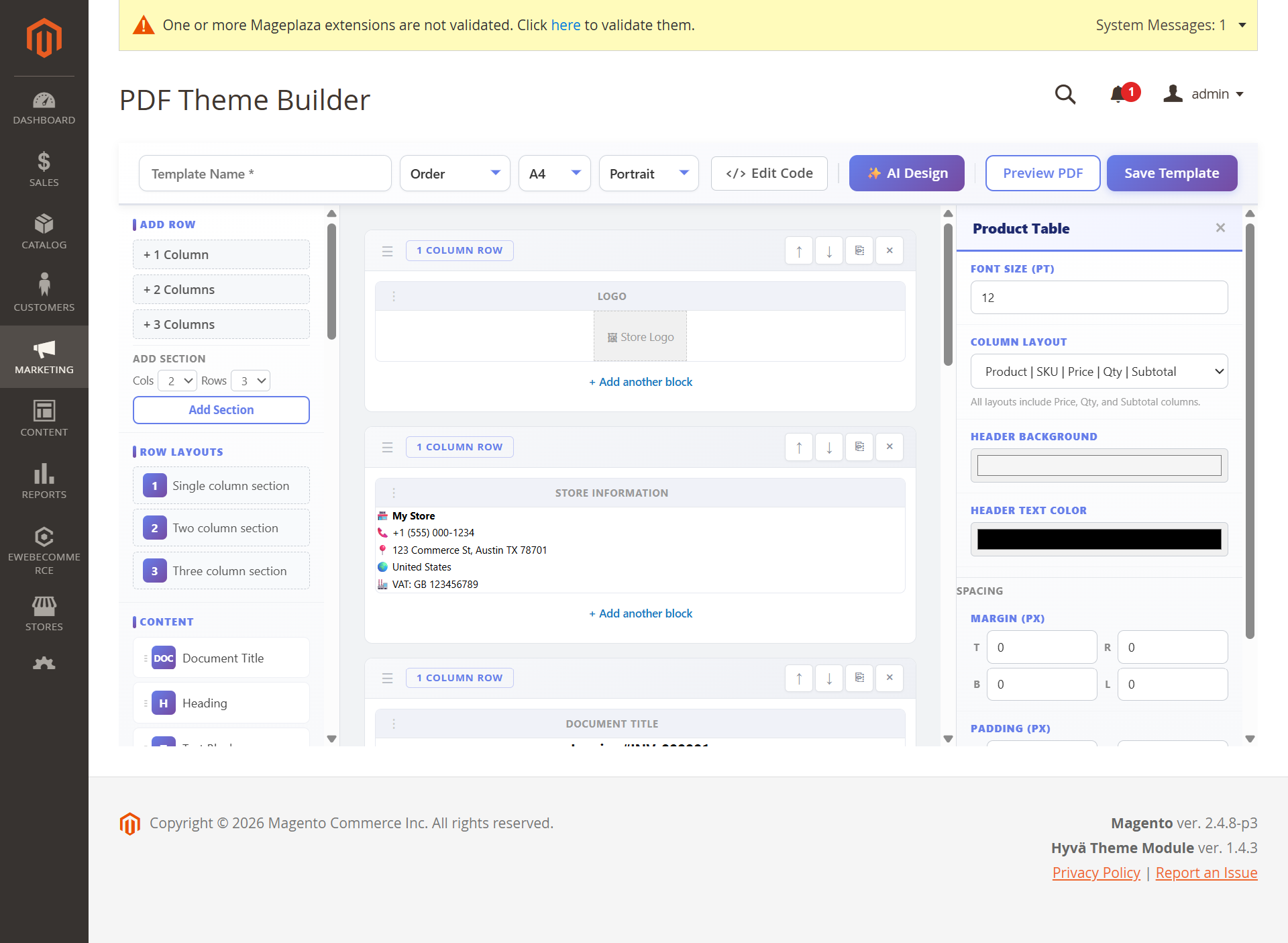
Admins can visually customize PDF templates using a drag-and-drop interface, where various elements can be added and arranged. This feature is a key part of personalizing documents, leveraging advanced layout tools provided by the Ewebecommerce_PdfCustomiser for tailored customer communications.