User Journey
Explore Shop as a Guest
When guests browse your shop, they will see ‘Login to See Price’ buttons in place of prices, allowing you to encourage user registration or login seamlessly across product listings.
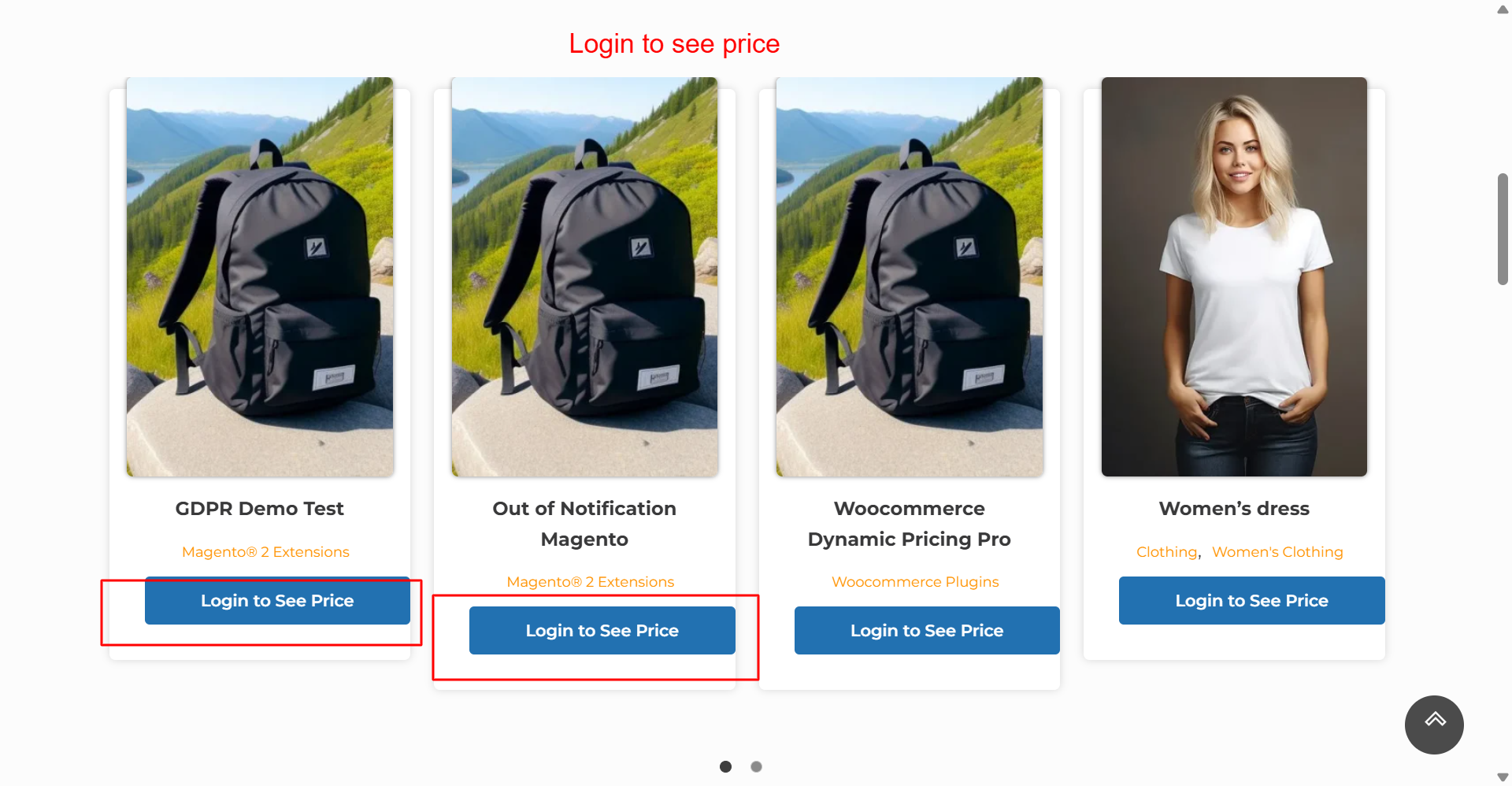
The shop page is optimized to hide prices from guests, displaying a consistent ‘Login to See Price’ button. This reinforces your pricing strategy across multiple products, encouraging users to log in or create an account to access full product information.
Product Detail View for Guests
On clicking a product, guest users will find a ‘Login to See Price’ prompt, keeping sensitive price information secure and encouraging them to either log in or sign up for pricing access.
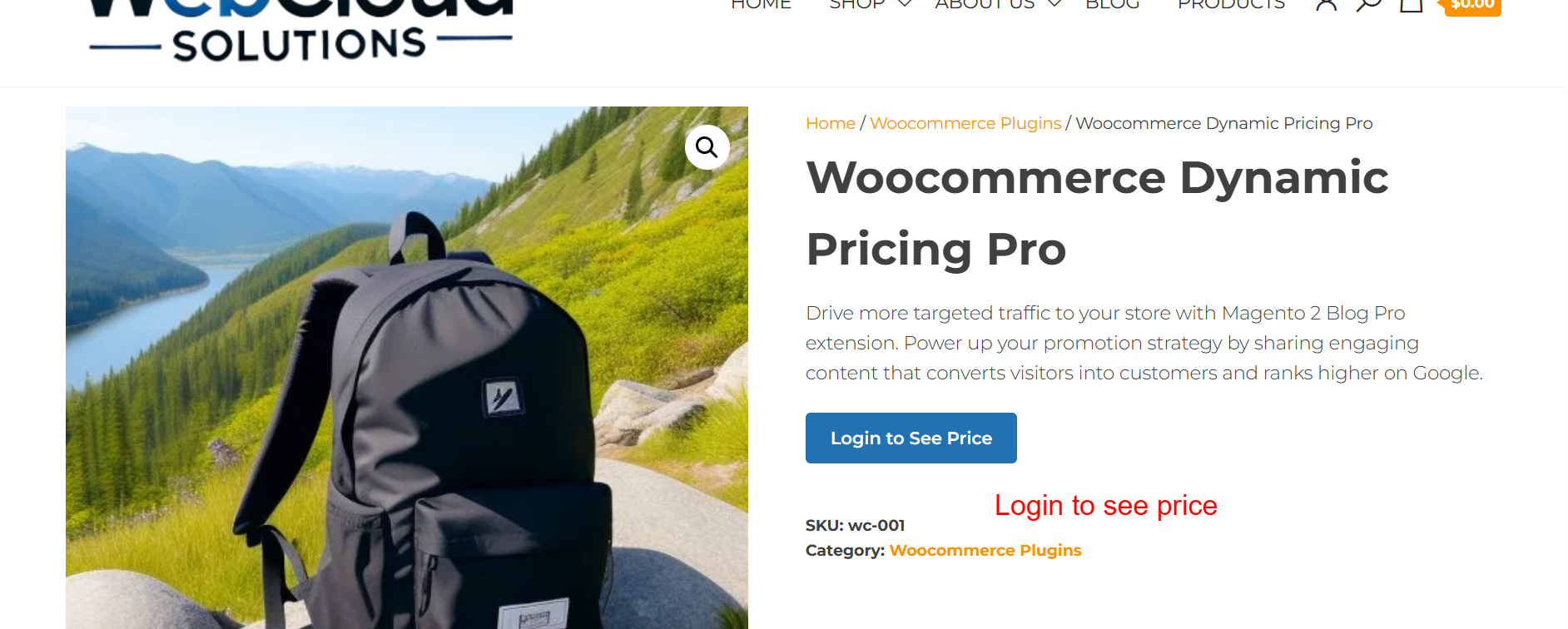
On the product detail pages, guest users are prompted to log in to view prices. This ensures that pricing details are only visible to entitled users, controlling the visibility of sensitive pricing information and encouraging user registration or login.